Step 1 of 6
Getting started with BeCapable
From signup to a personal training plan and your first workout — in about the time it takes to make coffee.
BeCapable is free to start — no credit card, no app store. Everything below happens right in your browser at becapable.app, and you can install it to your phone afterward if you want the native feel.
The goal of this guide is simple: go from “just signed up” to a plan built around you and your first logged workout. It takes about five minutes, and most of that is you answering a handful of questions about yourself.
Tell BeCapable about you
Setup is a short guided flow — not a form, a conversation. It opens the way the app does: with a question about what you actually want, not a wall of fields. It asks only what it needs to build you a real plan, and it explains why as it goes:
- Your goal. Get stronger, build muscle, improve endurance, improve body composition, or train for an event. This sets the shape of everything that follows — the exercises you’ll see, the rep ranges, the way the plan progresses week to week.
- Anything to train around. An old shoulder, a cranky knee, a movement you can’t load yet — tell it once and it plans around it, quietly, every session. You won’t have to remember to skip anything; the constraint just becomes part of how it programs.
- What you’re working with. A full gym, a pair of dumbbells, or just the floor. BeCapable only ever prescribes movements you can actually do with the equipment you have, so nothing in your plan is a dead end.
- Where you’re starting. Test your baseline now, or estimate it — either way your starting weights come from you, not a one-size default. That’s what keeps your first session challenging without being a guess.
- How you like to train. Session length and how many days a week. The plan fits your calendar instead of asking you to rearrange your life around it.
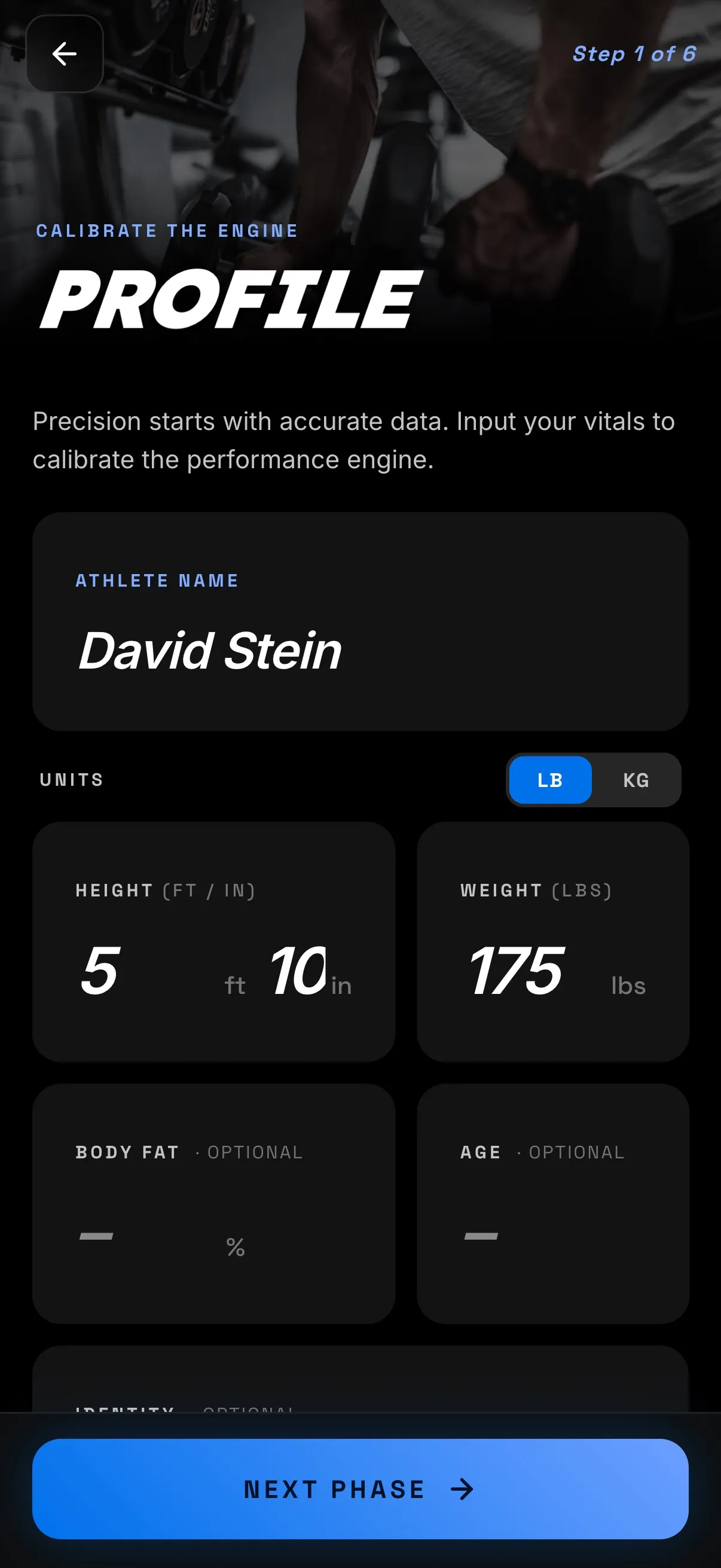
None of it takes long. Most people are through it in about a minute, and there’s nothing to get wrong — you can change any of it later.
Get your plan
When you’re done, BeCapable builds your program — reading your profile, matching it to your equipment, calibrating to your history, and laying out your week. This takes a moment, not a loading screen you abandon.
What comes out isn’t a template with your name stamped on it. It’s a plan built for your goal, your gear, and your starting point — the right movements, in the right order, at weights drawn from your own baseline. And it keeps adapting as you train: log a few sessions and the plan responds to how they actually went. That’s the whole idea — you don’t fit the plan, the plan fits you.
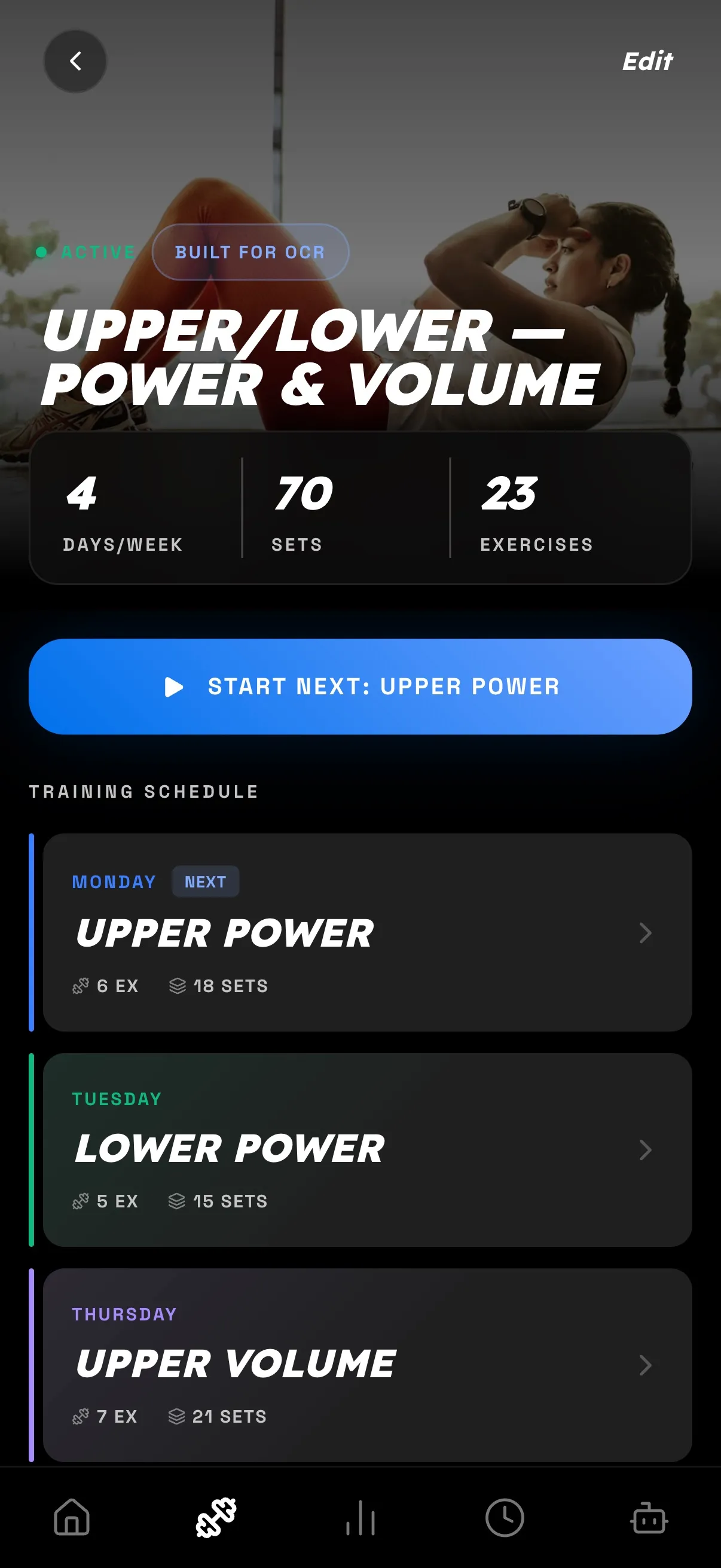
Bring your history
Coming from another app? Don’t leave your progress behind. BeCapable imports your training history by CSV from Strong, Hevy, and FitNotes — export from there and drop the file in during setup or any time after.
This matters more than it sounds. History compounds: the more your coach can see, the better it understands your capacity from day one instead of guessing from a blank slate. Your PRs, your working weights, the lifts you’ve been building for months — they carry over, so your first BeCapable session picks up where your last app left off rather than starting you back at zero. (More on how BeCapable stacks up against Strong and Hevy.)
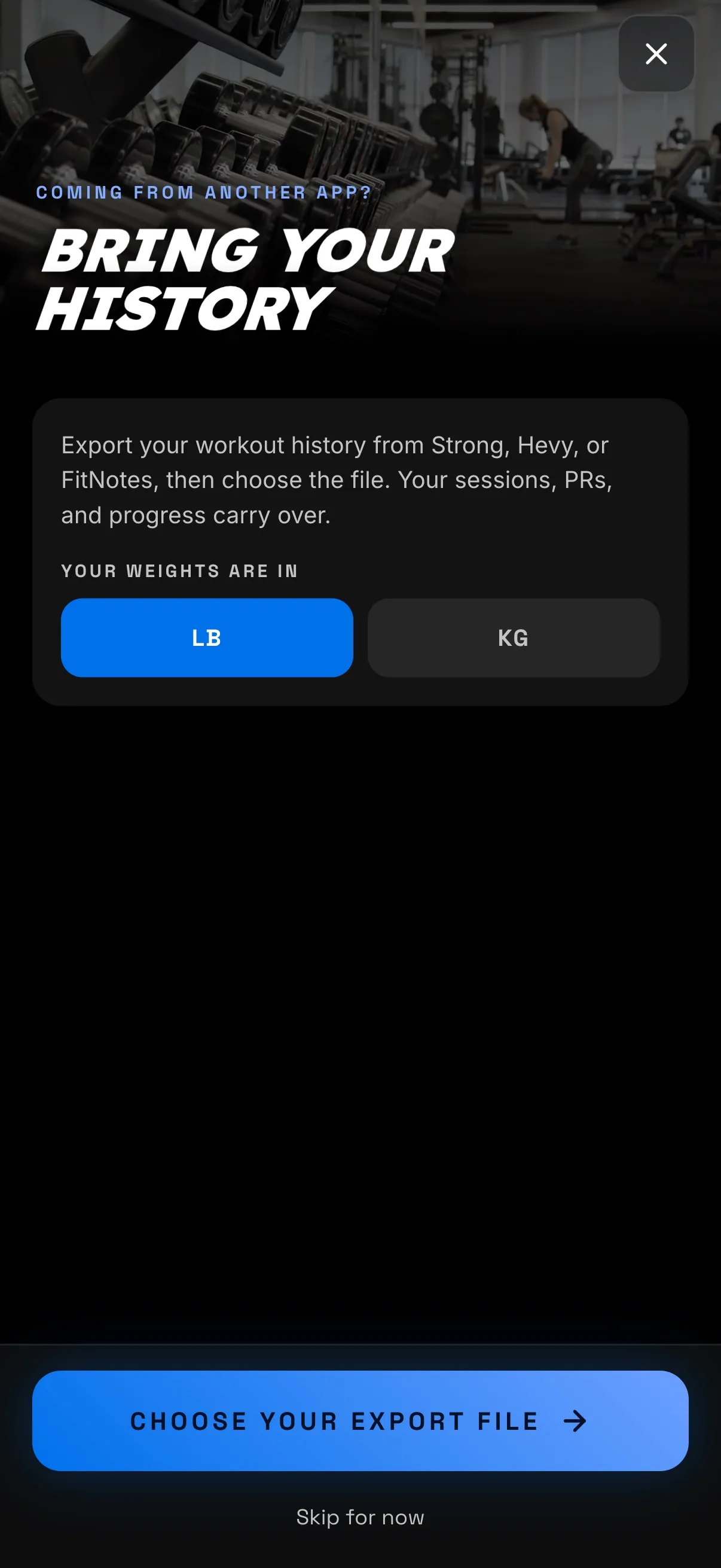
Put it on your home screen
BeCapable runs great in the browser, but installing it takes a few seconds and gives you a full-screen, native-feeling app with its own icon on your home screen:
- iPhone (Safari): tap Share, then Add to Home Screen.
- Android (Chrome): use the Install app prompt, or the menu’s Add to Home screen option.
No app store, no download wait, no update nags — and because it’s a progressive web app, it stays current on its own. Once it’s on your home screen it opens like any other app, and your workouts are one tap away.
You’re set up. Now train.
You’ve got a plan built around you and the app on your phone. Next is the part it all builds toward: doing your first workout — logging sets, using the rest timer, and picking the right mode for the day.